
Crypto Flexs
  • DIRECTORY
  • CRYPTO
    • ETHEREUM
    • BITCOIN
    • ALTCOIN
  • BLOCKCHAIN
  • EXCHANGE
  • TRADING
  • SUBMIT
Crypto Flexs
  • DIRECTORY
  • CRYPTO
    • ETHEREUM
    • BITCOIN
    • ALTCOIN
  • BLOCKCHAIN
  • EXCHANGE
  • TRADING
  • SUBMIT
Crypto Flexs
Home»BITCOIN NEWS»Credit meets cryptocurrency: Repay your existing credit card with cryptocurrency
BITCOIN NEWS

Credit meets cryptocurrency: Repay your existing credit card with cryptocurrency

By Crypto FlexsApril 11, 20243 Mins Read
Facebook Twitter Pinterest LinkedIn Tumblr Email
Credit meets cryptocurrency: Repay your existing credit card with cryptocurrency
Share
Facebook Twitter LinkedIn Pinterest Email

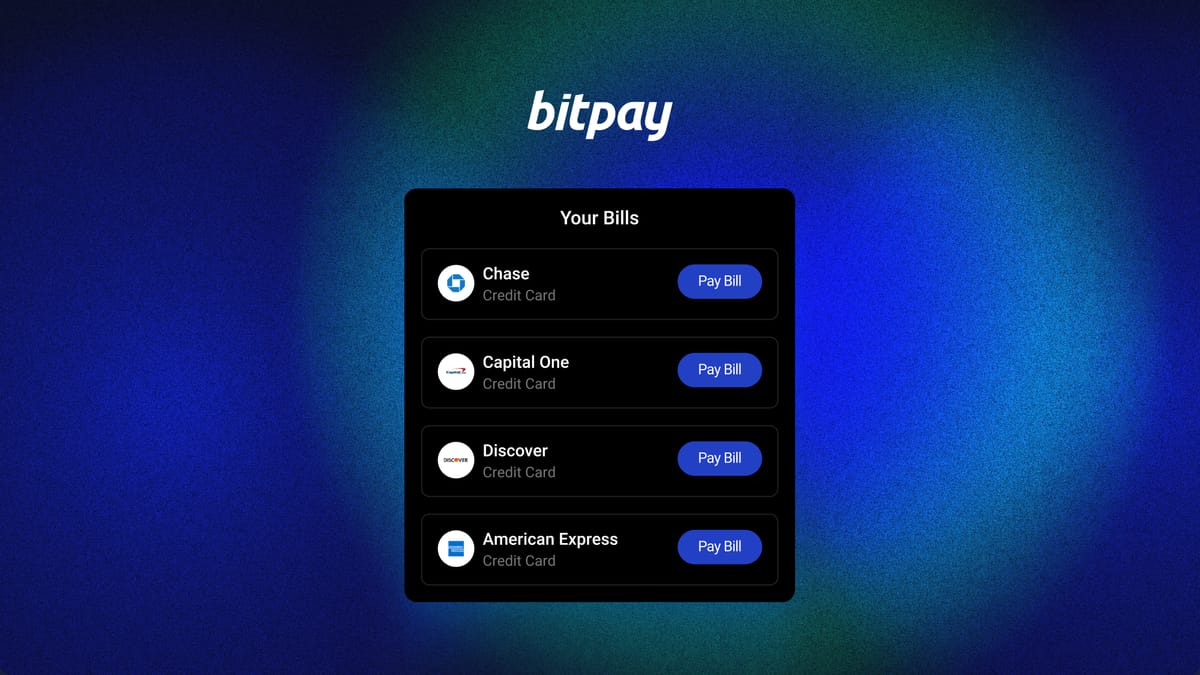
Get ready to change the way you think about paying your credit card bills. BitPay Bill Pay turns your cryptocurrency portfolio into a powerful spending tool. Enjoy the flexibility to use your credit card, pay your balance with cryptocurrency, and receive all the benefits and rewards.

Pay off all your credit card bills

BitPay provides a seamless way to easily pay almost any credit card bill. All major credit balances are supported. Yes, even those that can yield huge rewards and benefits.

Use your favorite cryptocurrency

Pay with BTC, ETH, DOGE, LTC, MATIC, USDC and dozens of coins and tokens. We are constantly updating our platform to support the best cryptocurrencies, ensuring your favorite assets are always ready to use.

Not just credit cards

BitPay Bill Pay offers more than just a credit card. Pay everything from phone bills and utility bills to mortgages, personal loans, student loans, and car payments with the cryptocurrency of your choice.

In addition to powering your credit card with cryptocurrency, use BitPay to unlock a suite of spending tools. Pay merchants directly from your wallet, explore cryptocurrency-backed gift cards, or use the BitPay Card, a free cryptocurrency-backed debit card.

Start strengthening your credit card with cryptocurrency

Paying your credit card bill with cryptocurrency through BitPay is safe, convenient, and simple.

Step 1: Download the BitPay app and set up your wallet

Download our free app for Android and iOS devices. BitPay wallet is self-managed. This means that only you control your money. Easily create a wallet to pay bills or import wallets/keys generated from other popular self-custodial wallet applications such as Metamask, Exodus Trust Wallet, and Coinbase Wallet.

Alternatively, you can pay your bill from your browser on the BitPay website. Log in to your BitPay account and navigate to the Bill Pay tab within your personal dashboard.

Step 2: Link your account
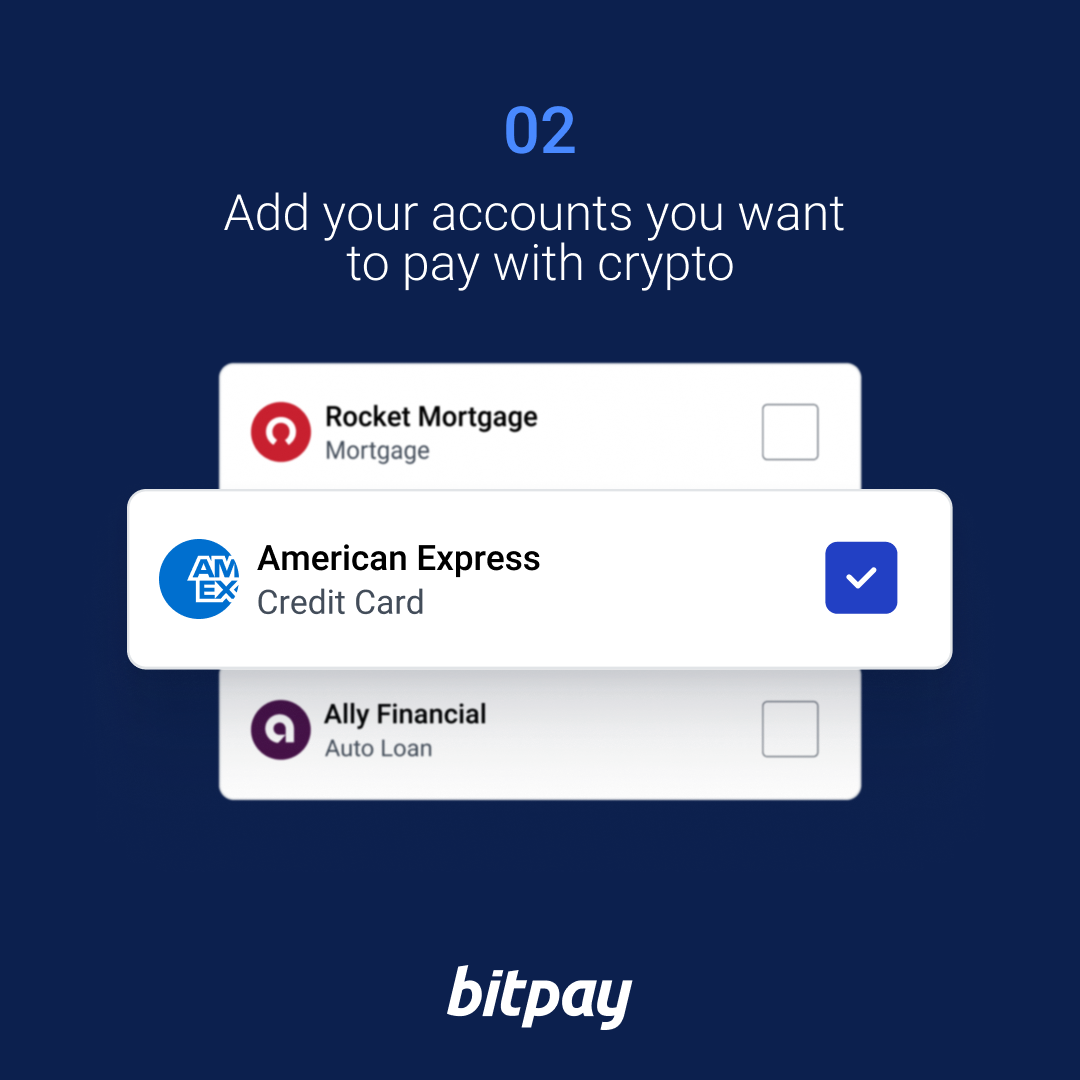
BitPay Bill Pay Step 2: Add the account you want to pay with cryptocurrency

In the BitPay app, tap the ‘Payments’ tab and then tap ‘Bills.’ If you are a new BitPay user, you will be asked to provide basic KYC information. After creating an account, you can choose to automatically view your credit card bills or add them manually within the app.

If you use the BitPay website, follow the instructions in the Bill Pay tab to add a bill.

Step 3: Pay your bill with your preferred cryptocurrency
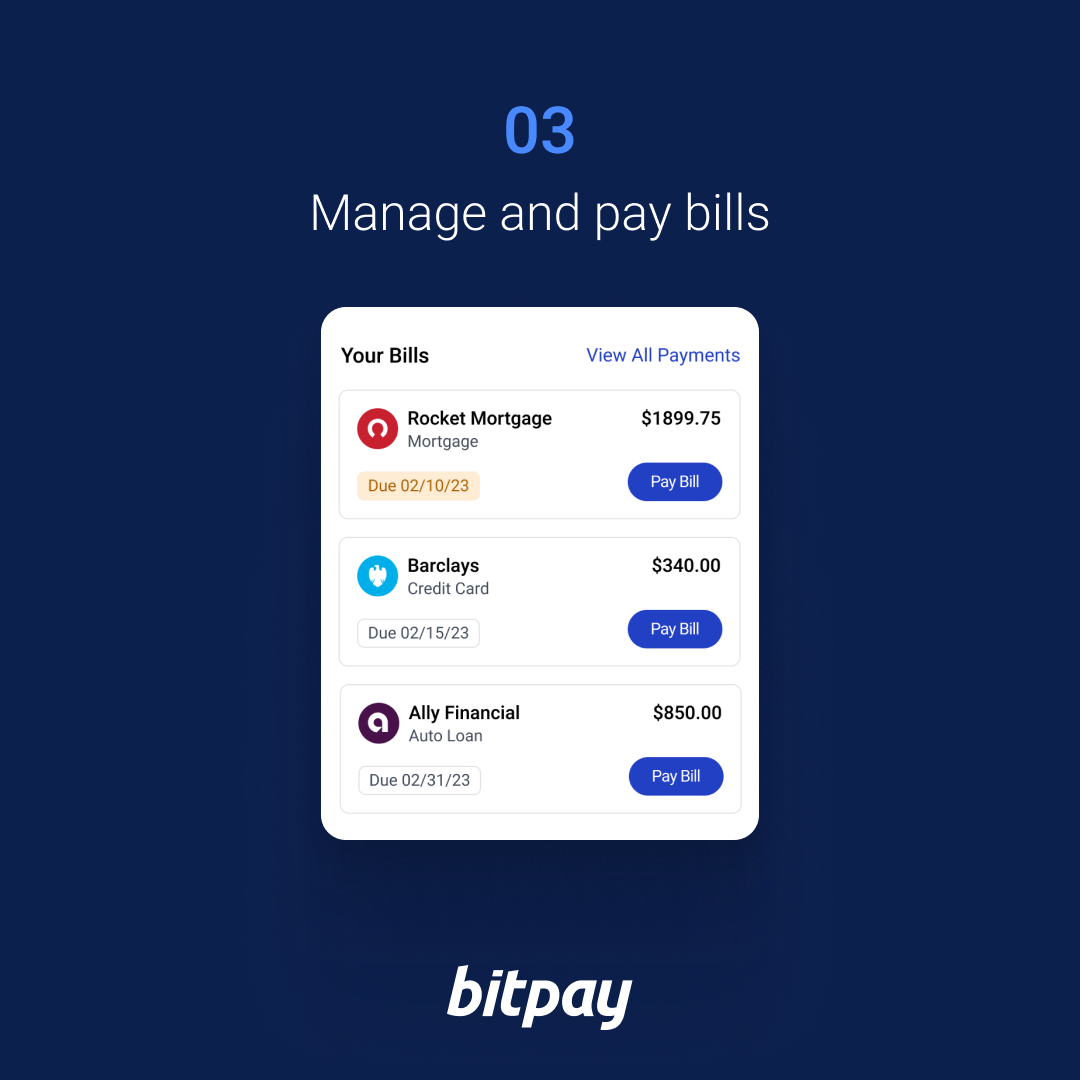
BitPay Bill Pay Step 3: Manage and Pay Your Bills

Once your credit card bill is linked, the provider, due date, balance, and other bill details are displayed in the app. Select a bill, tap “Pay Bill” and enter the amount you want to pay. Then select your preferred cryptocurrency and confirm payment. It’s that easy.


To get started, download the app or connect to the web.


start


Share. Facebook Twitter Pinterest LinkedIn Tumblr Email

Related Posts

taproot – Is the OP_SUCCESSx reservation in BIP-342 designed with a specific opcode family in mind, or as a general forward compatibility mechanism?

April 19, 2026

Lake Life Simulator Fish Have Opinions

April 13, 2026

Best altcoins to buy as Bitcoin struggles below $85,000 after massive liquidations

April 7, 2026
Add A Comment

Comments are closed.

Recent Posts

PI price pressure grows ahead of Protocol 22 deadline

April 24, 2026

HOYA BIT Becomes World’s First BSI ISO 14068-1 Certified Carbon-Neutral Crypto Exchange

April 24, 2026

Institutional Wallet Receives 100,000 Ethereum ($233.7M) from BitGo: Find out who’s behind the move

April 24, 2026

SafeBets Introduces New Prediction Platform At Industry Conference

April 23, 2026

Verifiable Bitcoin Accounts For Institutional Bitcoin. Your Custody, Your Terms.

April 23, 2026

Phemex Launches Prediction Market Powered By Polymarket, Introduces Month-Long Forecasting Championship

April 23, 2026

Vantage introduces an enhanced app with a seamless all-in-one trading experience.

April 23, 2026

Berachain Is Too Early For Mainstream Adoption?

April 23, 2026

DeFi platform Volo, hit by $3.5 million Vault attack, begins recovery efforts

April 23, 2026

Global Stocks Reach Record Highs As S&P 500 Surpasses 7,000 Milestone

April 22, 2026

Bitmine Immersion Technologies (BMNR) Announces ETH Holdings Reach 4.976 Million Tokens, And Total Crypto And Total Cash Holdings Of $12.9 Billion

April 22, 2026

Crypto Flexs is a Professional Cryptocurrency News Platform. Here we will provide you only interesting content, which you will like very much. We’re dedicated to providing you the best of Cryptocurrency. We hope you enjoy our Cryptocurrency News as much as we enjoy offering them to you.

Contact Us : Partner(@)Cryptoflexs.com

Top Insights

PI price pressure grows ahead of Protocol 22 deadline

April 24, 2026

HOYA BIT Becomes World’s First BSI ISO 14068-1 Certified Carbon-Neutral Crypto Exchange

April 24, 2026

Institutional Wallet Receives 100,000 Ethereum ($233.7M) from BitGo: Find out who’s behind the move

April 24, 2026
Most Popular

U.S. Senator Elizabeth Warren introduces Bill To. "crackdown" Bitcoin and cryptocurrency

December 12, 2023

Circle joins SBI Holdings in exploring expansion of USDC presence in Japan

November 27, 2023

Next Crypto Explosion Thursday, June 20 — Arkham, Worldcoin, Turbo, SingularityNet

June 21, 2024
  • Home
  • About Us
  • Contact Us
  • Disclaimer
  • Privacy Policy
  • Terms and Conditions
© 2026 Crypto Flexs

Type above and press Enter to search. Press Esc to cancel.